♟ Chrome Extension
Your chess games,
beautifully archived
Export any Chess.com game to a formatted PDF — with board diagrams, move notation, player stats, and opening name. One click.
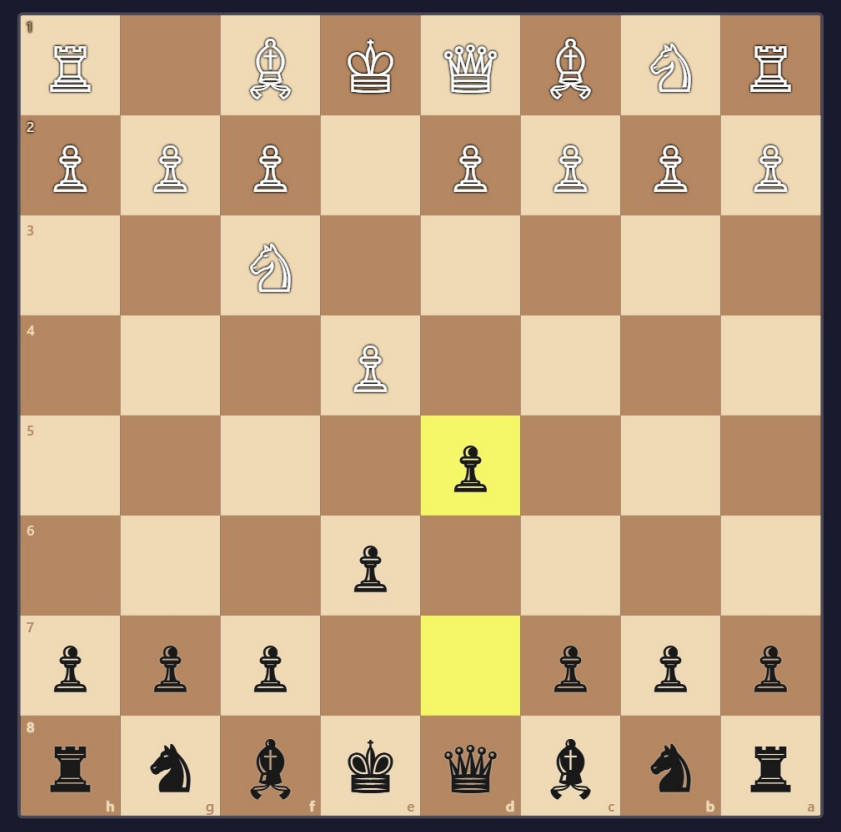
Export any Chess.com game to a formatted PDF — with board diagrams, move notation, player stats, and opening name. One click.

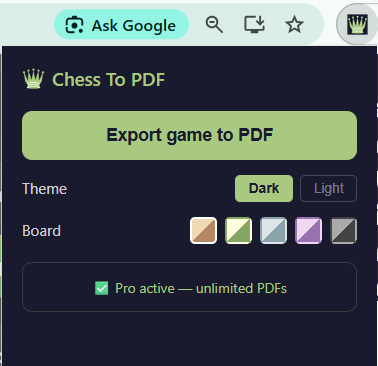
Every export includes a title page, full move notation, and a board diagram for every single move.
Player avatars, country flags, ratings, result, termination reason, ECO opening code, and game metadata — all on a clean cover page.
Full algebraic notation in a three-column layout. Up to 90 move pairs per page, clearly formatted with move numbers.
One full-page board diagram per move, with the last move highlighted and board coordinates. Automatic flip for black.
Dark and light PDF themes. Five board color presets — classic, green, blue, purple, and dark. Your preferences are saved.
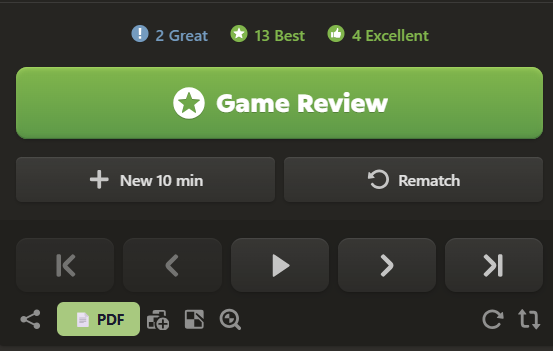
A PDF button is injected directly into the Chess.com interface. Click it on any finished game — no copying PGN, no extra steps.
Everything runs locally in your browser. Your game data never leaves your device. No account required to start.
Start free. Upgrade when you're ready.
No configuration. No account. No fuss.
Add Chess To PDF to Chrome from the Web Store. It takes under a minute and works immediately on Chess.com.
Navigate to any completed game on Chess.com — your own games, famous games, or games from the database.
A "📄 PDF" button appears next to the Share button. Click it and your PDF downloads automatically in seconds.